Church Resources
How to Choose Church Media for Your Sermon Series
Every Sunday, your congregation walks in carrying the weight of the week. Before a single word is spoken from the pulpit, the visual environment of your service has already begun to shape their hearts. The right church media does not merely decorate a stage — it prepares the soil for the Word to take root.
Yet with so many options available — stock footage, DIY graphics, template packs, and fully custom productions — choosing the right media for your sermon series can feel overwhelming. This guide walks you through a clear, practical framework so you can make a confident decision that serves both your message and your congregation.
Why Visual Media Matters More Than Ever
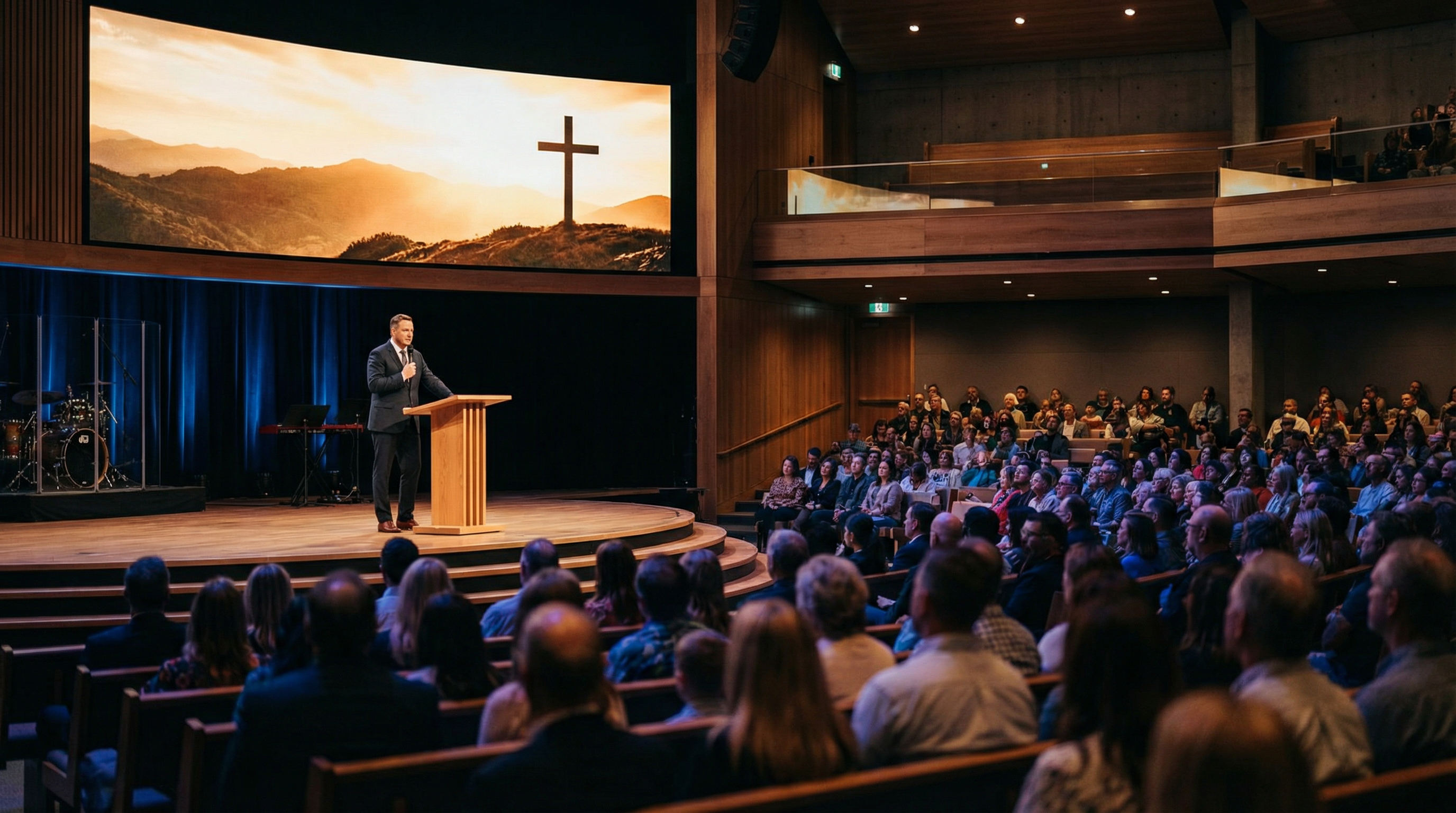
Research consistently shows that human beings process visual information far faster than text or spoken word alone. In a worship context, this means that the imagery, motion graphics, and color palette surrounding your message either reinforce or undermine what you are trying to communicate.
A sermon on the resurrection of Christ lands differently when it is accompanied by cinematic imagery of dawn breaking over an empty tomb than when it is presented against a generic blue gradient. The visual is not the message — but it is the frame that holds the message, and the quality of the frame matters.
Ministry teams that invest in intentional church media consistently report stronger congregational engagement, higher retention of sermon themes across the week, and a more cohesive sense of identity within their series. The question is not whether to use media, but which kind is right for your specific context.
Step 1 — Define the Scope of Your Series
Before you can choose the right media, you need to clearly define what your series actually requires. Ask yourself these four questions:
How long is the series? A single standalone sermon has different visual needs than a six-week series with a unified theme. Longer series justify a more comprehensive visual system — title graphics, backgrounds, countdown timers, and social media assets — because the investment is amortized across multiple weeks.
What is the emotional tone? A series on grief and lament calls for muted, contemplative imagery. A series on the joy of salvation might use warmer, more dynamic visuals. The emotional register of your media should match the emotional journey of your message.
What is your production environment? A church running ProPresenter on a single screen has different needs than a multi-campus church with LED walls and broadcast capability. Make sure any media you choose is formatted correctly for your specific setup.
What is your timeline? Custom media production typically requires two to four weeks of lead time. If you are three days from Sunday, a well-curated media pack is a far more realistic option than a fully bespoke production.
Step 2 — Understand the Three Main Categories of Church Media
Free 7-Day Journey
Go Deeper Into Scripture
7 cinematic devotionals delivered to your inbox — one story, one verse, one life-changing truth per day.
No spam. Unsubscribe anytime.
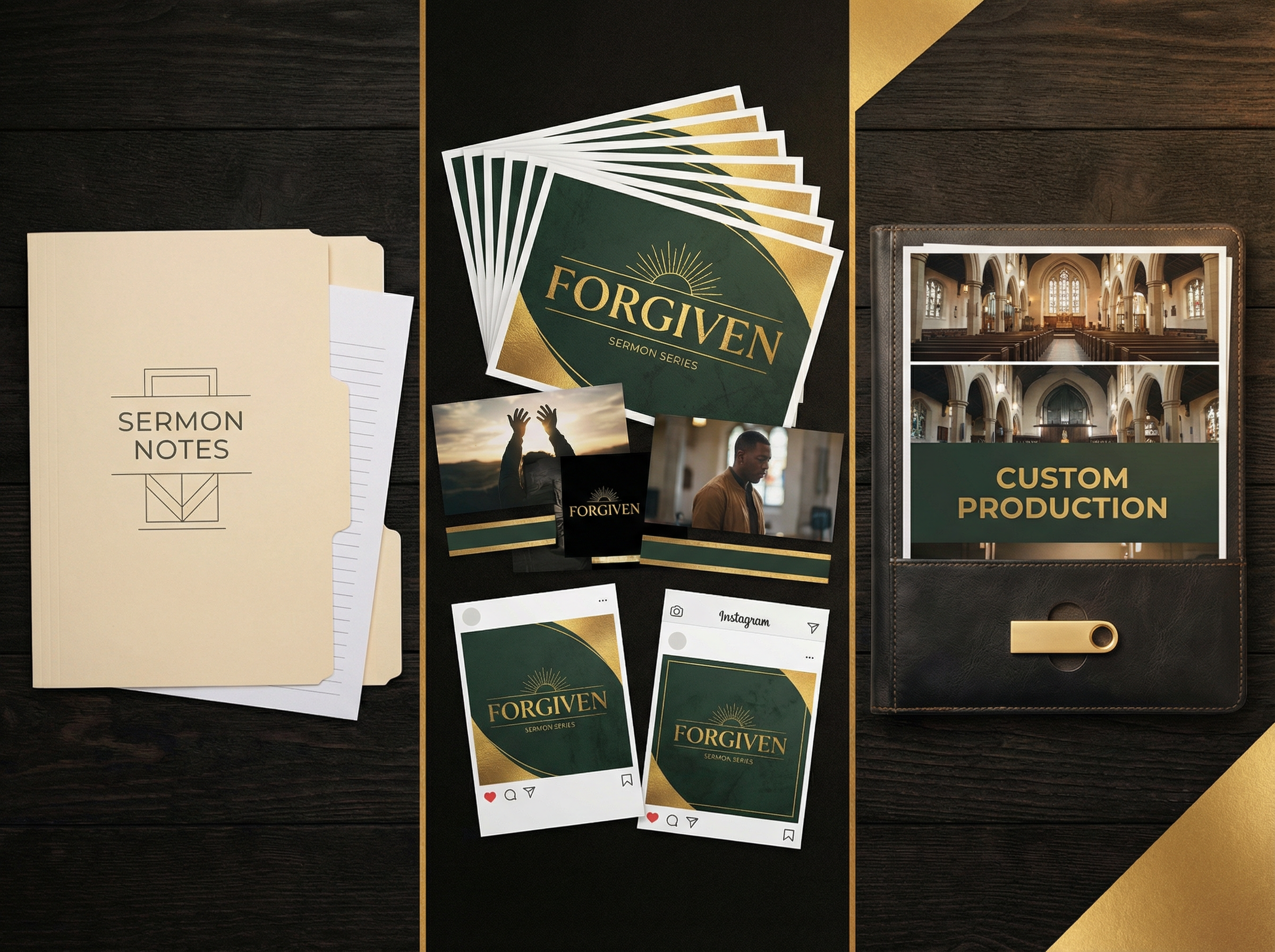
The church media landscape broadly divides into three categories, each suited to different needs and budgets.
| Category | Best For | Typical Turnaround | Price Range |
|---|---|---|---|
| Sermon Kits & Media Packs | Single sermons or short series | Instant download | $29–$99 |
| Sermon Series Visual System | Multi-week series with unified branding | 1–2 weeks | $299–$899 |
| Fully Custom Church Media | Signature series, special events, campaigns | 2–4 weeks | $499–$2,500+ |
Sermon Kits and Media Packs are pre-designed, ready-to-download collections that include motion backgrounds, still images, countdown timers, and title graphics built around a specific theme or Scripture passage. They are ideal for churches with limited budgets or tight deadlines. Browse our Sermon Kits & Media Packs to see what is available for your upcoming series.
Sermon Series Visual Systems go a step further by creating a cohesive visual identity for an entire multi-week series. Rather than mixing unrelated assets, a visual system ensures that every element — from the series title graphic to the weekly message backgrounds — feels like it belongs to the same story. This consistency dramatically increases the perceived professionalism of your production and helps your congregation mentally "file" the series as a unified experience.
Fully Custom Church Media is the highest-tier option, designed for churches that want media built specifically around their unique message, their pastor's voice, and their congregation's culture. This is not a template with your logo dropped in — it is a production built from the ground up. If your series is a cornerstone event for your church year, custom media is worth the investment.
Step 3 — Match the Media Type to Your Message
Not every sermon series needs the same level of visual investment. Here is a practical framework for matching media type to message significance:
Use a Media Pack when: You are preaching a standalone sermon or a short two-to-three week series on a familiar theme. The topic is evergreen (prayer, faith, community) and does not require a unique visual identity. Your team needs something ready within 48 hours.
Use a Visual System when: You are launching a four-to-eight week series with a distinct title and theme. You want your congregation to recognize the series visually across your bulletin, screens, and social media. You have two to three weeks of lead time.
Use Custom Media when: This series is a major moment for your church — a launch series, an anniversary series, a community-wide evangelism campaign. You want the visual language to be as distinctive as the message itself. You are willing to invest in a production that will be remembered.
If you are unsure which tier is right for your next series, our team at BibleWithLife can help you scope the project. Start your project here and we will respond within 48 hours.
Step 4 — Evaluate Quality Before You Commit
Not all church media is created equal. Before purchasing or commissioning any media, evaluate it against these five quality markers:
Cinematic resolution and format. Your media should be available in at least 1080p, with 4K options preferred for modern LED walls. Confirm that the files are delivered in formats compatible with ProPresenter, Keynote, or your specific presentation software.
Theological intentionality. The best church media is not just visually beautiful — it is theologically informed. Look for imagery and motion design that reflects the actual content of Scripture rather than generic "inspirational" aesthetics. A sermon on the cross should not be illustrated with a sunset over mountains unless that imagery is deliberately connected to the theme.
Flexibility for your environment. Good media packs include both motion and still versions of every asset, allowing your team to choose based on your technical setup and the moment in the service. A still background during a prayer is often more appropriate than a looping motion graphic.
Clear licensing. Confirm that any media you purchase includes a license for church use, including projection, broadcast, and online streaming. Many stock media providers have separate licensing tiers for these use cases.
Revision and support. For custom productions, ask about the revision process. How many rounds of feedback are included? What is the turnaround time for revisions? A clear, written answer to these questions before you begin will prevent frustration later.
Step 5 — Plan Your Full Visual Ecosystem
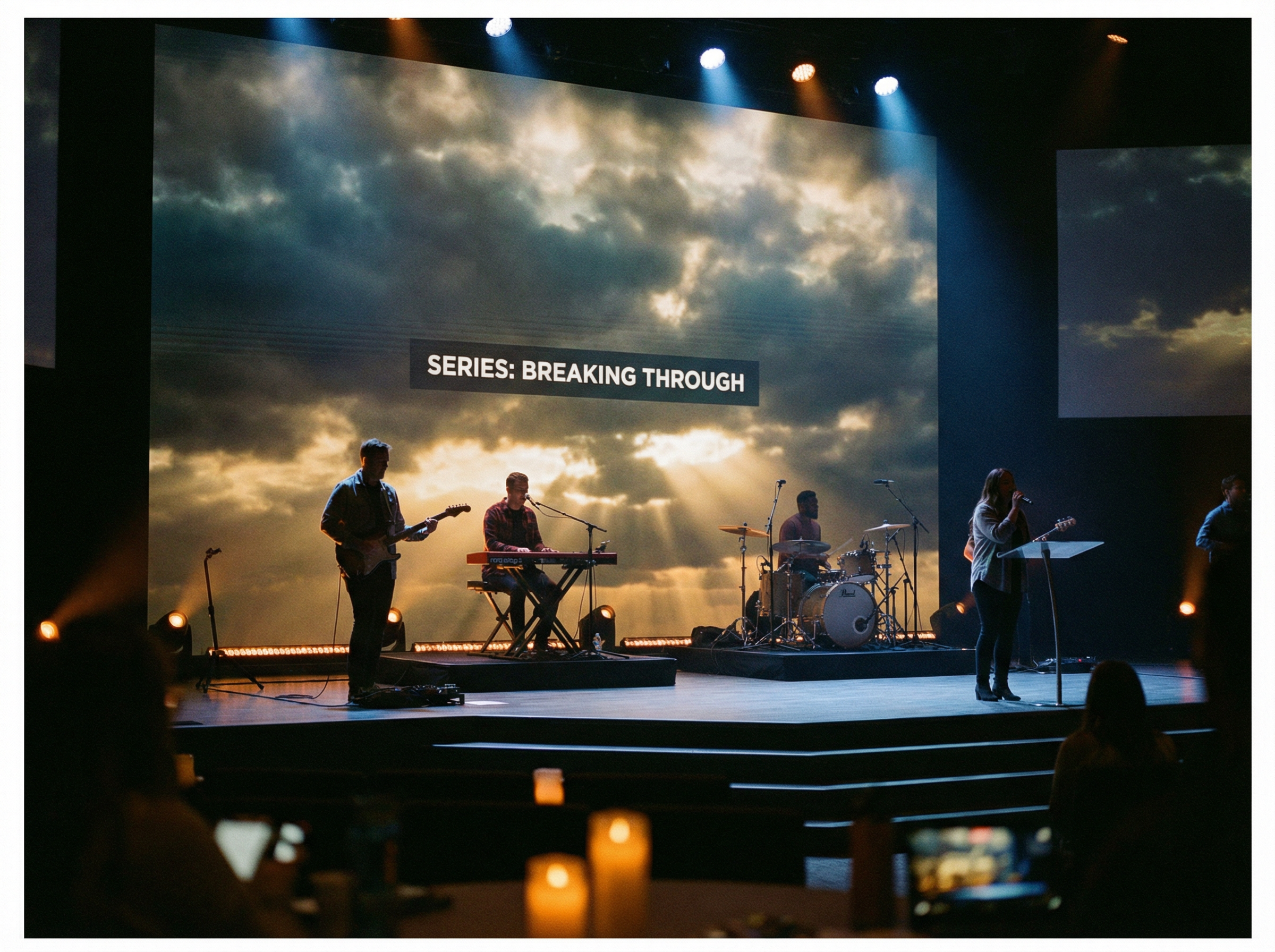
The most effective church media strategies think beyond the Sunday morning screen. Your sermon series visuals should extend into every touchpoint where your congregation encounters the series:
- Bulletin and print materials — Series title graphic in print-ready resolution
- Social media — Square and story-format versions of key graphics for Instagram, Facebook, and YouTube thumbnails
- Sermon notes and handouts — Consistent use of series colors and typography
- Church website and app — Series banner images and video thumbnails
When you commission a visual system or custom media, ask specifically whether these additional formats are included or available as add-ons. A cohesive visual ecosystem multiplies the impact of your media investment far beyond Sunday morning.
A Word on Budget and Stewardship
Some ministry leaders feel tension about investing in high-quality visual media, wondering whether it is a faithful use of church resources. This is a worthy question, and it deserves a direct answer.
The goal of church media is not to impress — it is to remove friction between your congregation and the message. When the visual environment of your service is distracting, dated, or disconnected from your theme, it creates cognitive noise that competes with the Word. When it is intentional and well-crafted, it becomes invisible in the best possible sense: the congregation is not thinking about the screens, they are thinking about the Scripture.
Stewardship means using resources wisely to maximize Kingdom impact. A well-chosen media investment that helps your congregation engage more deeply with a six-week series on the Gospel is a faithful use of church resources.
Getting Started
Whether you are looking for a ready-made media pack for this Sunday or planning a fully custom production for your next major series, BibleWithLife offers options at every level.
Browse our library of Sermon Kits & Media Packs for instant-download options built around specific themes and Scripture passages. For a fully custom production tailored to your series, your pastor's voice, and your congregation's culture, start your project here — our team will respond within 48 hours with a scope and timeline.
The Word is alive. Let your media reflect that.
Did this article bless you? Share it!
Frequently Asked Questions
For Pastors & Church Leaders
Bring This Story to Life in Your Church
Cinematic sermon visuals, ready-to-use slides, and discussion guides — crafted for busy pastors who want depth without the hours.